Good UI makes a product look polished. Good UX makes a product work. The best digital products combine both — interfaces that are visually compelling and functionally effortless. When either side is neglected, users notice. They may not articulate it, but they leave.
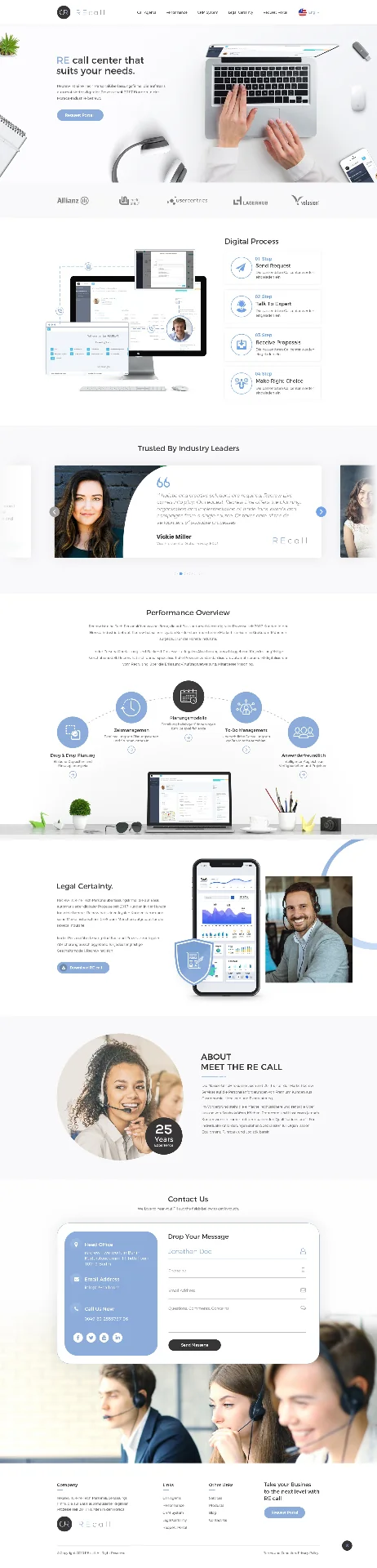
Our UI/UX design process starts with understanding your users, not your preferences. We conduct user research, build personas, map information architecture, and create wireframes before any visual design begins. This ensures that the interface structure is driven by how people actually think and behave, not by assumptions.
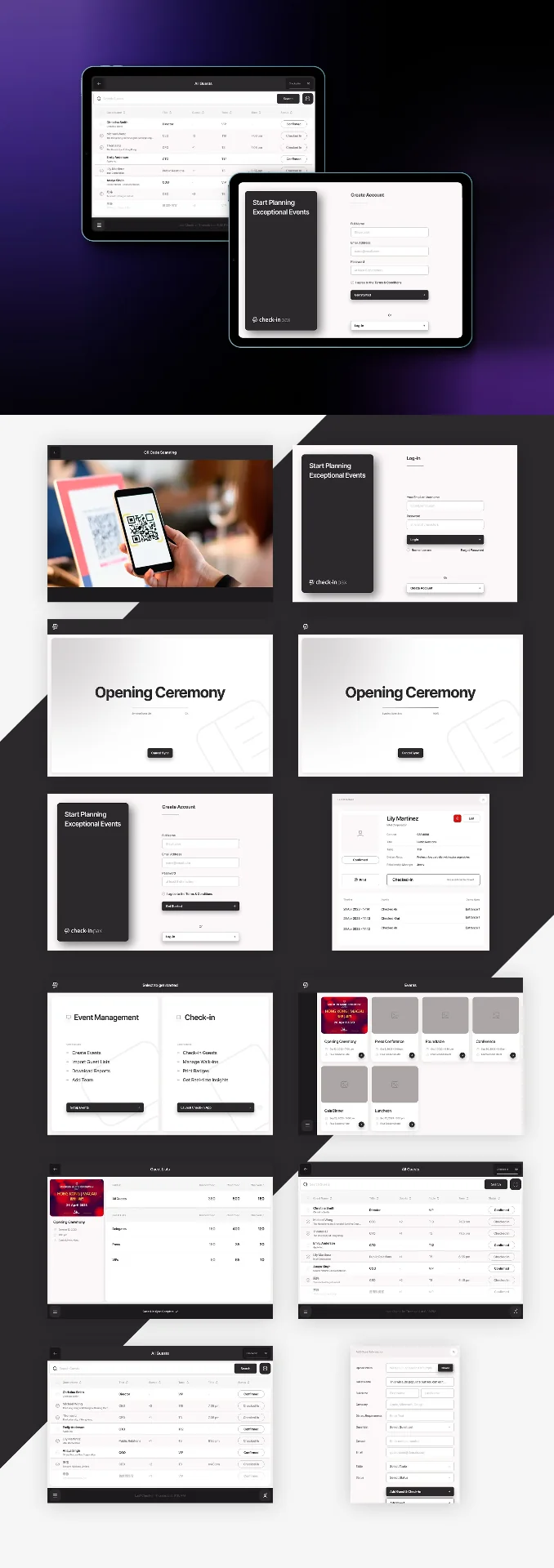
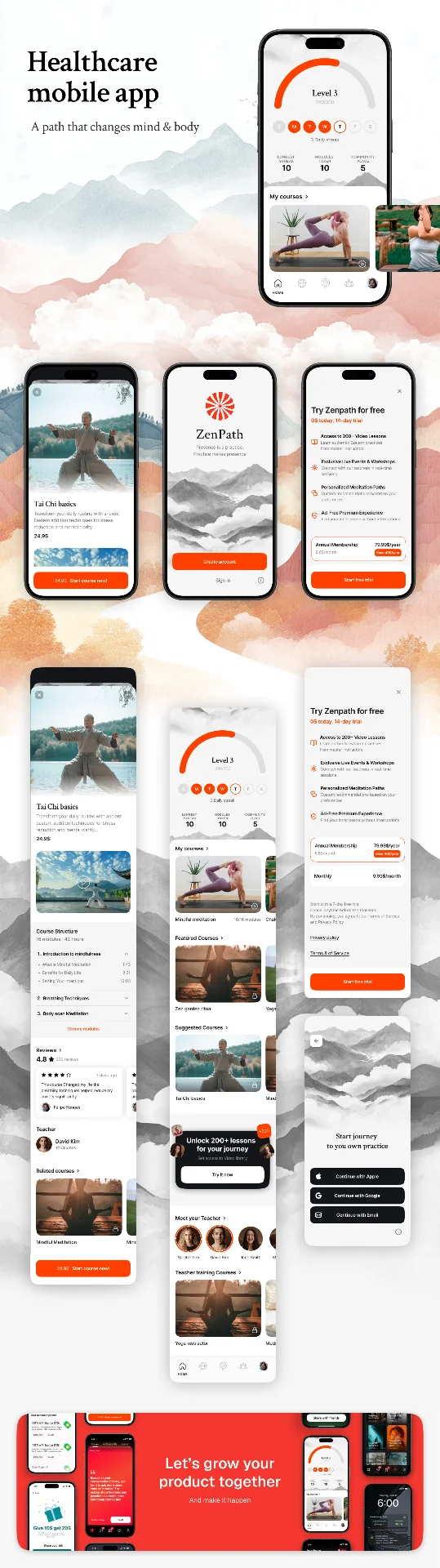
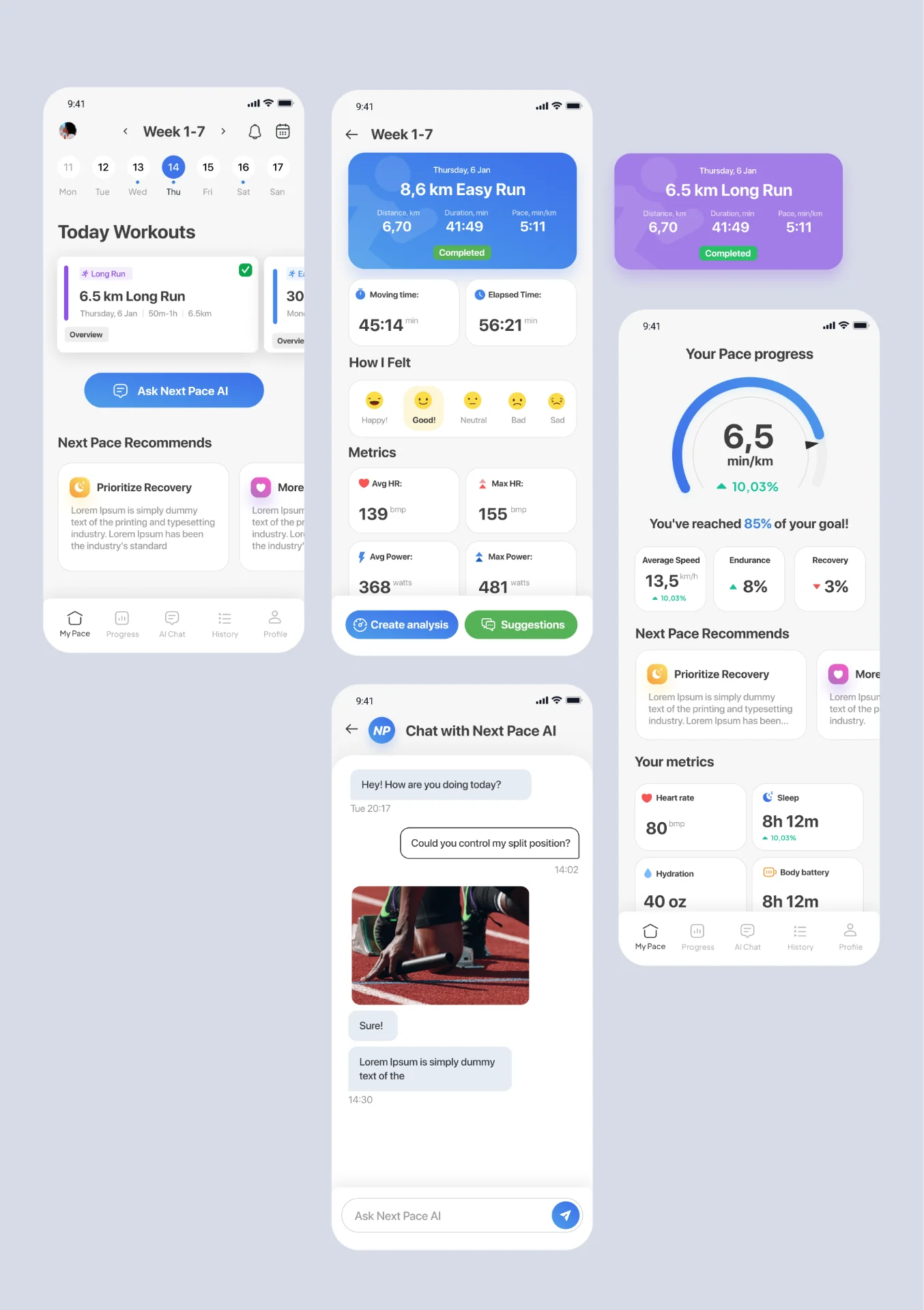
Once the structure is validated, we layer on visual design — building comprehensive UI kits with consistent component libraries, spacing systems, and interaction patterns. Everything is documented in a design system that your development team can implement with precision.
We prototype every critical flow interactively so you can test the experience before committing to development. This catches usability problems early, when they are cheap to fix, rather than after code has been written.
Design systems are the most valuable long-term deliverable we produce. A well-documented component library with clear spacing rules, interaction patterns, and accessibility standards does not just serve the current project — it accelerates every future feature, reduces developer guesswork, and maintains visual consistency as your product scales and your team grows.
Post-launch analytics reviews are standard — watching session recordings, analysing heatmaps, and measuring task completion rates against the benchmarks set during research. The first version of any interface is a hypothesis. Real user data tells you what is actually working, and targeted improvements follow.
Accessibility is not a feature we bolt on at the end — it is a constraint we design within from the start. Proper contrast ratios, logical tab order, screen-reader-friendly labels, and touch targets that work for everyone are baked into our component libraries. Beyond being the right thing to do, accessible interfaces consistently perform better in search rankings and serve a wider audience without separate builds.
Cross-platform consistency is a challenge most design teams underestimate. A component that works beautifully on desktop Safari can break in unexpected ways on Android Chrome. We test across real devices and browsers during the design phase — not after handoff — catching spacing, font rendering, and interaction differences before they become engineering tickets.